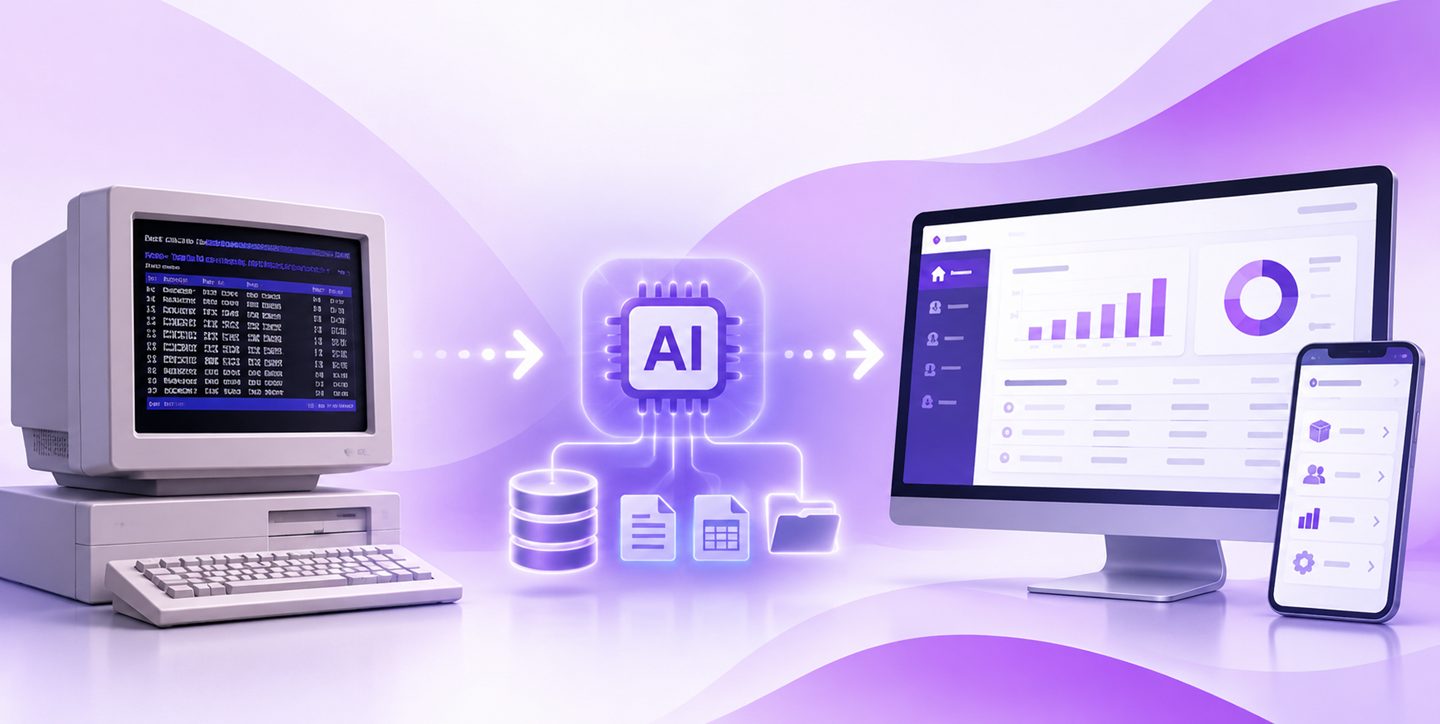
Using artificial intelligence in software development processes now makes it possible to significantly shorten the time it takes to migrate legacy Magic systems. Projects that once took a year or more can, in suitable cases, be completed within a few weeks, while preserving the data and business rules of the original system.
Why It's Worth Upgrading Your Magic System Right Now
For about three decades, Magic was one of the most widely used development tools in Israel. To this day it is still used by factories, distribution companies, insurance agencies, local authorities and businesses that run dedicated management systems built to their specific needs.
In many cases the systems still function well, which is why business owners are in no hurry to replace them. Over the years, however, maintaining them becomes more complex for several reasons:
- A shortage of Magic programmers: veteran developers are retiring, and few new programmers learn to work with the tool. Even a small fix may require searching for a suitable professional.
- Licensing and maintenance costs: runtime licences, old servers and operating systems that are no longer supported.
- Access limitations: many legacy systems offer no convenient way to work through a browser or a mobile phone.
- Difficulty connecting to other systems: interfacing with Israel Invoices, Hashavshevet, Priority, payment systems, SMS and email services can be complex.
- Information security and privacy: legacy systems were not always designed to meet the data-security requirements and privacy-protection obligations that apply today, including the changes following Amendment 13 to the Privacy Protection Law.
By integrating artificial intelligence tools into custom software development processes, the existing Magic system can be analysed, its business activity mapped and a new system built on the basis of the information gathered. The process is carried out under the supervision and control of an experienced development team.
Learn more about custom software development services.
What Makes Migrating a Magic System a Complex Process?
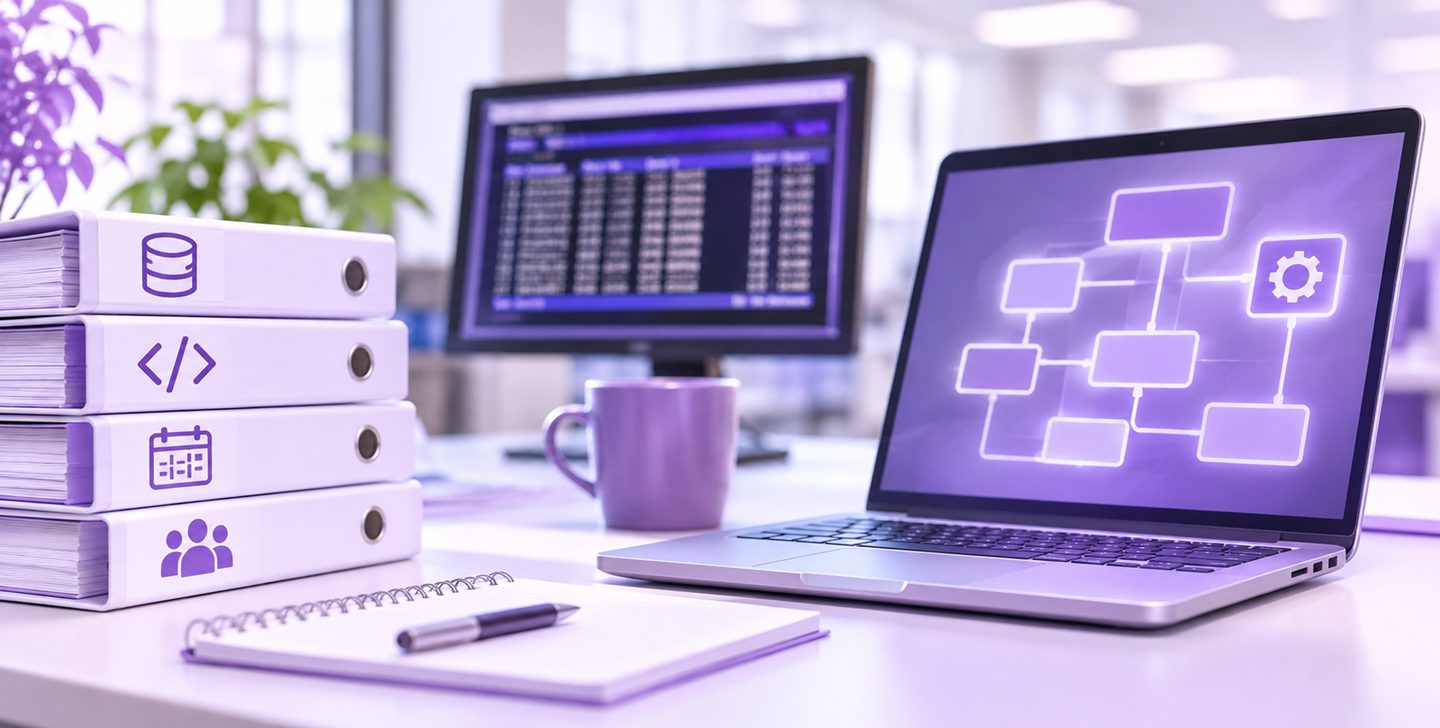
A Magic system is not based on code that can simply be translated from one programming language to another. It is built from definitions and tables, so migrating it requires familiarity with the structure of the system and the way it operates.
Distributed business logic: the business rules sit inside tasks, subtasks, operations and expressions. In many cases there is no up-to-date specification document, and the system itself is the only source for understanding the rules by which the business runs.
Varied databases: legacy Magic systems use databases such as Btrieve or Pervasive, ISAM files and, in later versions, also SQL Server or Oracle. Sometimes several types of databases can be found within the same system.
Hebrew and data encoding: DOS-era systems sometimes stored Hebrew text as visual Hebrew (reversed Hebrew) in code page 862, whereas modern systems work in logical Hebrew and the Unicode standard. Incorrect conversion can corrupt customer names and other business information.
Dates and times: Magic represents dates and times in internal formats that require precise conversion when the data is transferred to the new system.
Users' work habits: employees who have used the same system for years are accustomed to the screen layout, the keyboard shortcuts and the existing reports. It is important to take these work habits into account as early as the specification stage.
One of the main causes of failure in migration projects is a lack of understanding of the original system. Even a new system based on advanced technology will not provide an adequate answer if some of the business rules or workflows were not taken into account.
How Does Artificial Intelligence Fit into the Magic Migration Process?
Artificial intelligence tools help read the system, map its components and write the new code. The development team is responsible for making the decisions, checking the outputs and adapting the system to the needs of the business.
At OLSI Systems we divide the migration process into six stages:
1. Extracting the information from the existing system
The application is exported from Magic using the export files appropriate to the system version, including XML files in uniPaaS and Magic xpa versions. At this stage the file structure and sample data are also collected.
2. Analysing and mapping the system
Using artificial intelligence tools, the tasks, screens, reports and tables are analysed. The aim is to understand the relationships between the system components, how the various fields are used and the workflows.
3. Specifying the business rules
The findings of the analysis are translated into a specification document in clear language. For example, when an order is opened that exceeds the customer's credit limit, a manager's approval is required.
The customer reviews the specification and approves it. This is also an opportunity to re-examine business rules that were set years ago and to check whether they are still relevant.
4. Developing the new system
The database, the server layer and the user interfaces are developed according to the approved specification. The artificial intelligence tools help write the code, which is reviewed and checked by the development team.
5. Comparative testing
Identical data is run in the old system and the new system and the results are compared, including calculations, reports and business processes. Any gaps that are found are examined and addressed before the transition.
6. Implementation and go-live
Once the testing is complete, users are trained and, if necessary, there is also a period of parallel work in both systems. The transition is planned in advance in order to minimise, as far as possible, the disruption to the business's day-to-day activity.
Most of the time saved compared with a manual migration is in the analysis, specification and development stages. Using artificial intelligence makes it possible to handle a large number of system components in a shorter time and to carry out the mapping systematically.
Data Migration from a Magic System
For many businesses, the information accumulated in the system over the years is one of their most important assets. This is a history of customers, orders, invoices, inventory movements and other business data.
The data migration is carried out as a separate process and includes several steps:
- Reading directly from the source: the data is read from Btrieve files or from the existing database, according to the field definitions in Magic.
- Converting and cleaning the data: converting visual Hebrew to standard Hebrew, adjusting date formats, identifying duplicates and handling fields that served several purposes over the years.
- Loading into the new database: transferring the information to a modern database, such as SQL Server, while defining keys, relationships between tables and indexes.
- Validating the data: counting records in each table, comparing balances, turnovers and inventory quantities, and running sample checks against the original system.
- Final update: before go-live, the data that changed since the initial migration is transferred, so that the business can continue operating throughout the project.
Depending on the needs of the business, the old system can be kept in a read-only environment for the transition period, for reference and for checking historical data.
What Changes in the System After the Migration?
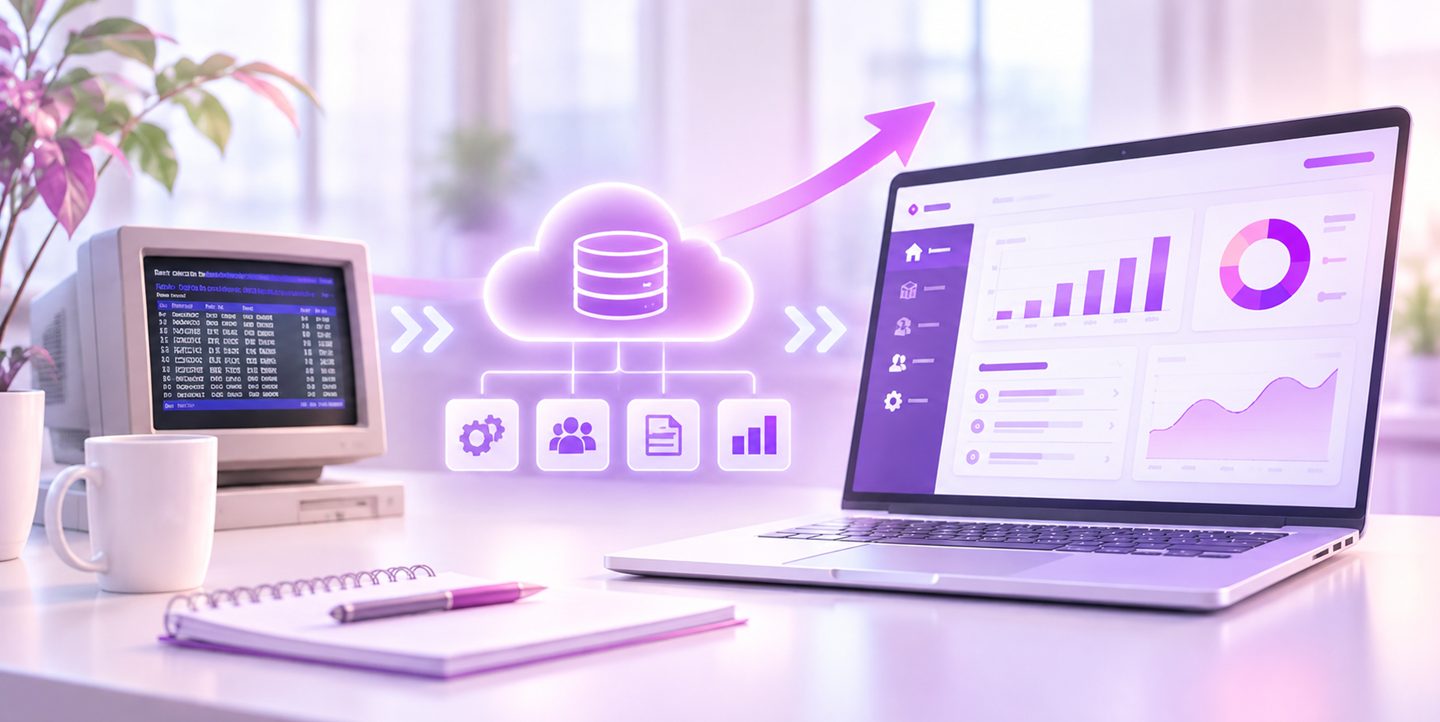
The goal of the migration is to preserve the existing workflows and business information, while improving the system's capabilities and adapting it to the current working environment.
| Topic | Legacy Magic system | System after migration |
|---|---|---|
| Access to the system | Office computer or remote desktop | Access from the browser and mobile devices |
| Database | Btrieve, ISAM or old SQL versions | Modern SQL Server with a backup setup |
| User interface | Windows or DOS screens | A Hebrew interface, also adapted for mobile |
| Permissions and security | Legacy security mechanisms | Role-based permissions, action logging and encryption as required |
| Connection to external systems | Transfer files and limited connections | Interfacing with Hashavshevet, Priority, payment processing and other services |
| Reports | Fixed reports | Dashboards and export to Excel and PDF |
| Maintenance | Dependence on Magic experts | Use of common technologies and documented code |
Moving to a modern database also makes it possible to incorporate additional AI-based capabilities within the business system itself, such as document scanning, free-language queries, data analysis and smart alerts.
Magic System Migration with OLSI Systems
Since 1995 we have been developing software systems for businesses in Israel. Over the years we have gained experience working with a wide range of technologies and development environments, including legacy systems that are still used by businesses in their day-to-day activity.
- Over 30 years of experience: familiarity with Magic, Access, Excel, FoxPro and dedicated DOS systems, which allows us to understand how the systems were built and how they can be migrated.
- An AI-based migration engine we developed: depending on the complexity of the system, it enables a saving of 60% to 80% in development time compared with rewriting from scratch. In suitable cases, an initial cost estimate can be provided within hours to a day of receiving the system files.
- Specialising in Hebrew systems: developing right-to-left interfaces, converting visual Hebrew and handling reports and documents in Hebrew.
- Adapting to the business's technological environment: working with Windows servers, SQL Server and .NET, alongside connections to systems commonly used in Israel, including Hashavshevet and Priority.
- Direct contact with the development team: throughout the project you are in contact with the professionals who know the system and lead the migration in practice.
- Ownership of the code: the new system is documented and the code belongs to the customer, with no dependence on a monthly subscription to OLSI in order to use the system.
- A preliminary assessment with no obligation: after receiving the system's export file, an initial analysis can be carried out, a work plan drawn up and a price quote prepared.
Frequently Asked Questions About Magic System Migration
Which versions of Magic can be migrated?
We migrate Magic systems from a wide range of versions, including Magic for DOS, Magic 8 and 9, eDeveloper, uniPaaS and Magic xpa.
Can a Magic system be migrated without the original programmer and without documentation?
Yes. Even when the original programmer is not available and there is no specification document, it is often possible to analyse the existing system files and extract the required information from them. Artificial intelligence tools assist at this stage, subject to the availability and completeness of the system files.
How long does a Magic system migration take?
The duration of the migration depends on the size of the system, the complexity of the business rules, the volume of data and the connections to external systems. After the initial analysis, a timetable and a price quote for the project can be drawn up.
Will employees have to relearn how to work with the system?
Not necessarily. The screen layout, the field order and the familiar keyboard shortcuts can be preserved, according to the users' needs and the technological options of the new system.
What happens to the existing system during the project?
The work is carried out on a copy of the system, so the business can continue to use the existing system. The transition to the new system takes place after the testing is complete and in coordination with the customer.
Does the data stay with the customer?
The new system can be installed on the customer's server or in a cloud environment, as they choose. The work is carried out under a confidentiality agreement and in accordance with the information-security arrangements set for the project.
Interested in Upgrading Your Magic System?
If your business still works with a Magic system that was built years ago, there is not always a need to give up the existing workflows or to start the system specification from scratch.
We invite you to send us your system's export file for an initial assessment, component mapping and the drawing up of a migration plan and price quote, with no obligation.
OLSI Systems, custom business software development since 1995.
Still working with a legacy Magic system? Now is the time to see how an AI-based migration can preserve your data and business rules and move you to a modern, stable system.
We would be glad to help!