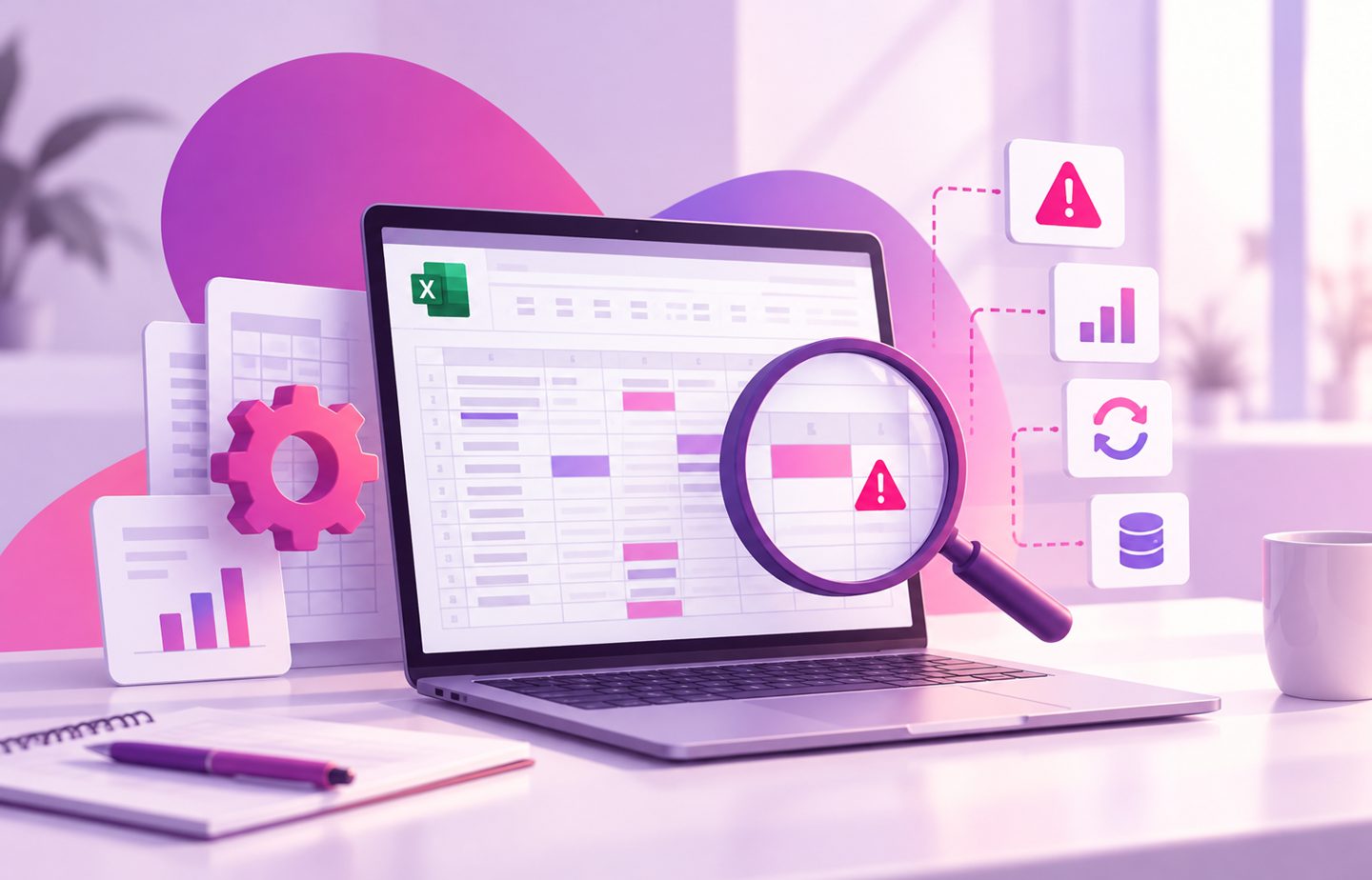
It was built a few years ago to handle a simple task, but since then dozens of formulas, new sheets, automatic calculations and data from different departments have been added to it. Today this Excel file already runs a significant part of the business activity, but when was the last time anyone checked that it actually works as it should?
Many businesses rely on Excel files that have evolved over the years, sometimes without orderly documentation or professional maintenance. As long as the data looks correct and the reports are produced on time, it's easy to assume that everything is working properly. But precisely in complex files, small errors can go unidentified and affect important business decisions.
How does an Excel file become a system no one maintains?
Excel is a flexible tool that lets businesses manage data, perform calculations and build workflows. Over time, a file originally intended for tracking orders may turn into a system that includes inventory management, cost calculations, report generation and customer tracking.
The problem begins when changes are made without an overall plan. One employee adds a formula, another changes a table, and later additional sheets and links to other files are added.
When there is no clear documentation of the file's structure, even a small change can affect other calculations. In such cases, an Excel expert can help review the file, identify weak points and understand the processes it is based on.
What problems can hide in old Excel files?
Not every fault in an Excel file produces an error message. Sometimes the file keeps working as usual, but the results it displays aren't accurate.
Among the common problems you can find:
- Incorrect formulas: calculations that don't include all the data or refer to the wrong ranges.
- Duplicate information: data entered across several sheets and updated inconsistently.
- Links to external files: dependence on files that have moved, aren't available or aren't up to date.
- Undocumented changes: difficulty understanding who changed a formula and why.
- Repetitive manual processes: copying data and producing reports that take time and increase the risk of errors.
When the file is used for pricing calculations, order management or financial tracking, even a small deviation can affect the way the business operates.
How do you improve your existing Excel without starting from scratch?
You don't always need to replace the file. In many cases you can improve the existing system through Excel development, reorganising the data, fixing formulas and adding control mechanisms.
One option is automating processes in Excel, which makes it possible to reduce repetitive manual actions, streamline calculations and produce reports in a more orderly way.
Through software development in Excel and upgrading existing systems, you can examine which processes are worth preserving, which actions can be streamlined and where a more advanced solution is required.
Learn more about upgrading from Excel to a smart system.

When should you consider moving to a custom system?
When the Excel file is used by several departments, contains complex processes or requires user permissions, improving the existing file may no longer be enough.
In such situations you can consider developing a custom system that preserves the business logic built up over the years and allows more orderly management of the information.
It's important to remember that even after upgrading or developing a new system, maintenance and professional support for changes and faults are still needed. Technical support and software maintenance keep the work running smoothly and adapt the solution to the business's changing needs.
Read more about OLSI Systems' ongoing technical support.
OLSI Systems: upgrading your Excel while preserving your business knowledge
A complex Excel file may hold business knowledge accumulated over years, which is why it's important to handle it carefully and professionally.
At OLSI Systems, a boutique software house, we specialise in developing custom software solutions, upgrading existing systems and providing technical support. The work is carried out according to the business's needs, while examining the existing processes and tailoring the right solution for them.
Has your Excel become a central system in your business? Now is the time to examine how you can improve performance, reduce risks and turn your existing information into a more efficient and reliable working tool.
We would be glad to help!