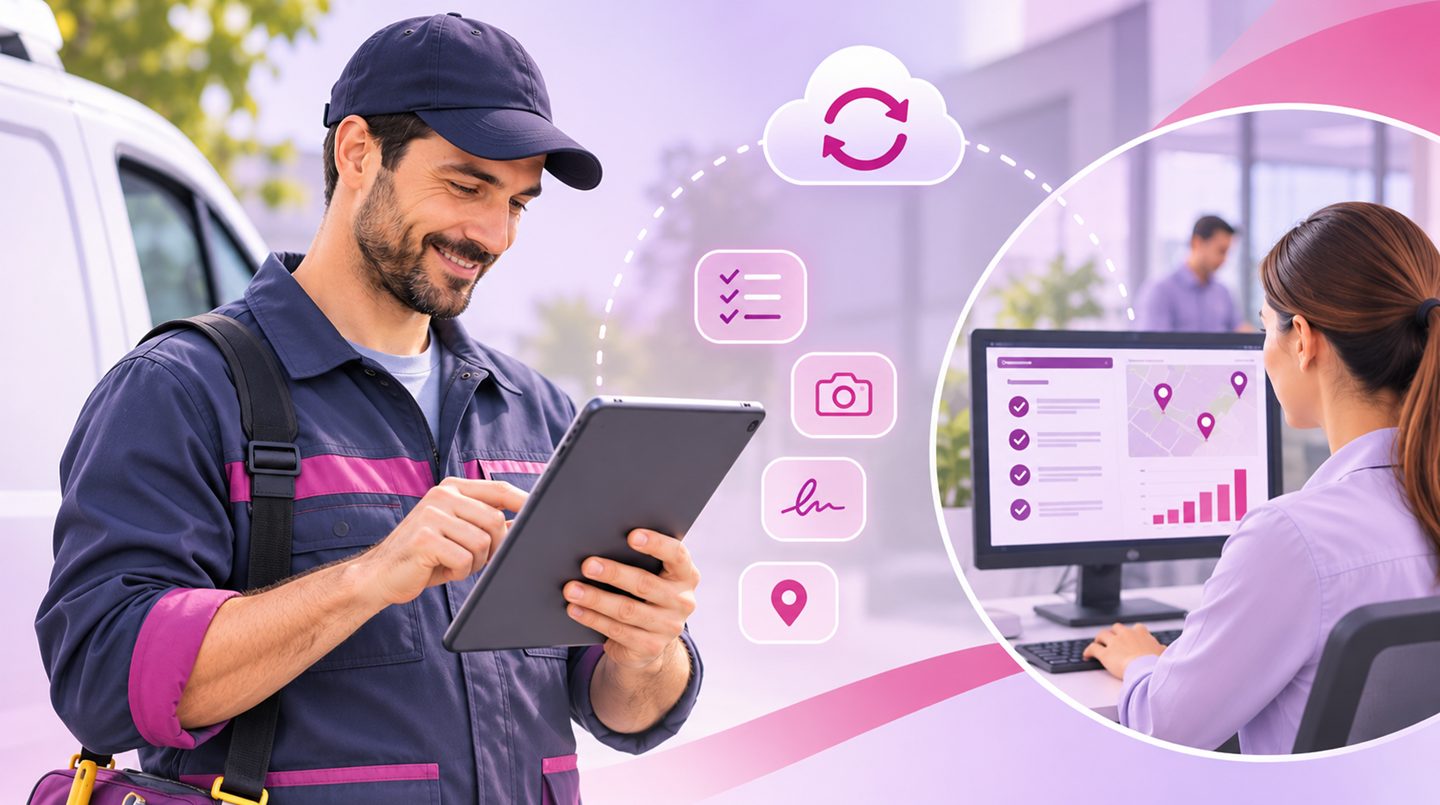
A technician finishing a visit at a client's site, a salesperson taking an order during a meeting, an installer who needs to update work progress, or a field manager overseeing several teams at once. In each of these cases, important business activity takes place far from the office, yet the information created in the field still needs to reach the organisation's systems.
In practice, many businesses still run on phone calls, WhatsApp messages, manual forms and Excel files. Information moves between employees and departments, sometimes late, and sometimes it has to be re-entered from scratch.
This is where a custom business app comes in, connecting field employees to the management systems, creating an orderly workflow and reducing the dependence on manual reporting.
When the Work Happens in the Field, but the Information Stays Behind
Take, for example, a company that employs installation and service teams. Every morning the employees receive a task list, head out to clients and report on the work they carry out.
When there is no digital system connecting the field to the office, several difficulties can arise:
- Reports that only arrive at the end of the workday.
- Customer information that is not available to the employee during the visit.
- Duplicate data entry across different systems.
- Difficulty tracking task progress.
- Lack of coordination between field, service and office teams.
- Delays in passing on information for invoicing or further handling.
The problem is not necessarily the absence of software in the organisation. Sometimes an advanced management system already exists, but it is not adapted to the way employees do their work outside the office.
Custom Business App Development: How Do You Connect Field Employees to the Office?
A custom business app makes it possible to create a work environment suited to the employee's role, the type of activity and the organisation's existing processes. Instead of relying on several separate tools, the employee can perform key actions through a single interface, according to their permissions and the information they need.
Real-Time Task Reporting and Updates
An employee who has finished an installation or a service visit can update the task status directly from their phone, attach photos, add notes and document the actions they performed.
When the app is connected to the central management system, the information can be updated at the office as well, with no need for additional typing.
This way, work managers can get an up-to-date picture and identify tasks awaiting further handling.
Access to Information from Anywhere
A service worker arriving at a client may need treatment history, equipment details, work instructions or relevant documents.
An app connected to the organisation's systems can show them the right information, according to permissions set in advance.
Direct access to information reduces the need for repeated calls to the office and lets the employee make better-informed decisions during the work.
Digital Documentation of the Work
Instead of printed forms or messages passed between different people, the app can incorporate digital forms, customer signatures, document scanning and completion records.
The information is stored in an orderly way and can be linked to the relevant customer, project or task.
Learn more about custom app development.
Custom App Development That Works Offline Too
One of the significant challenges of working outside the office is that stable cellular reception is not always available.
Employees may find themselves in basements, construction sites, factories or areas where the internet connection is limited.
That is why, as part of custom app development, offline working capabilities can also be planned.
Where appropriate, the app can let an employee view information saved in advance, fill in forms and update tasks even without an active connection.
When the connection is restored, the data syncs with the central system. That said, it is important to plan in advance how the synchronisation works, what happens when the same information changes in several places, and how to avoid data loss or duplication.
Connecting Business Apps to Your Existing Organisation Systems
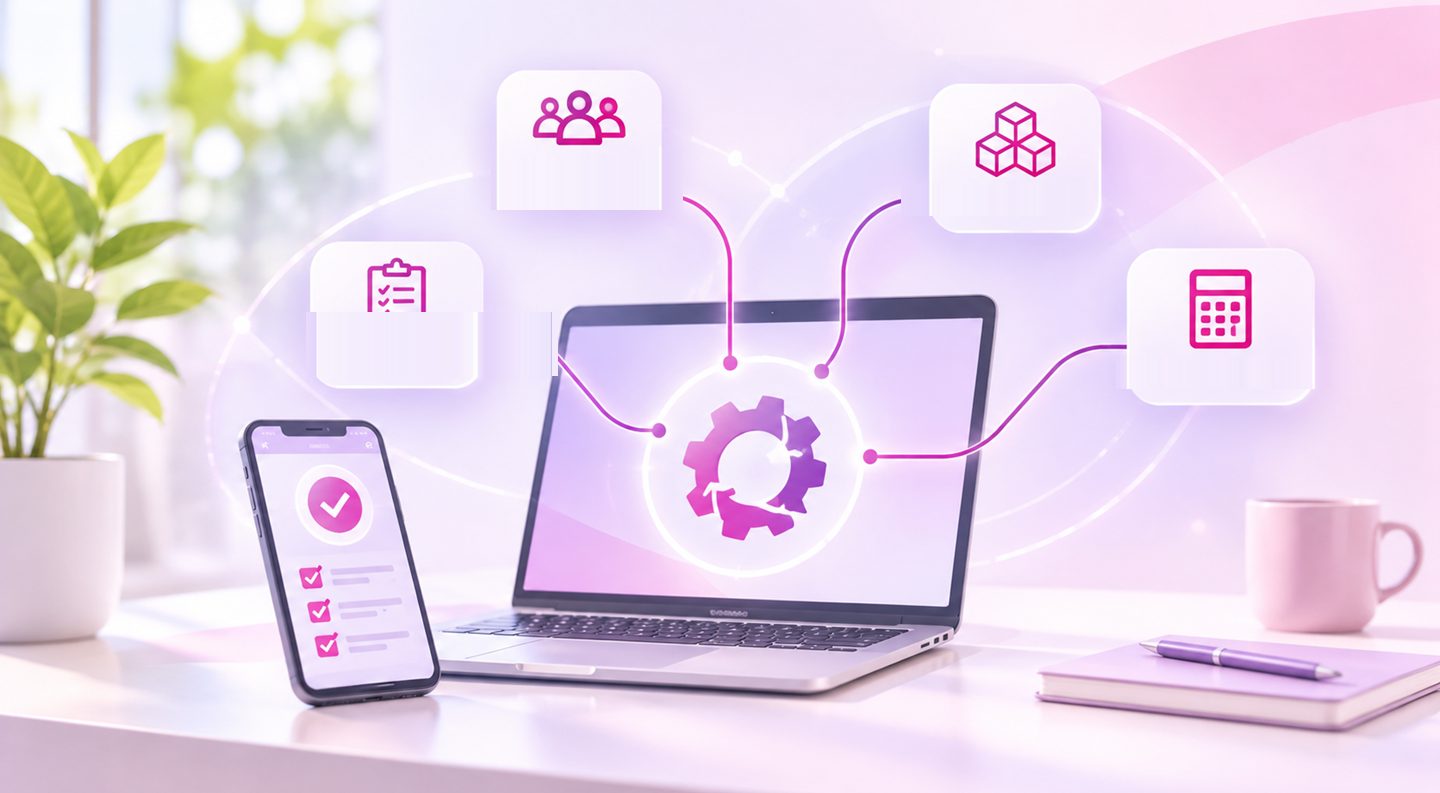
A business app does not have to operate as a standalone, disconnected system. Many organisations already have CRM, inventory management, accounting, task management or dedicated systems developed over the years.
The real value is created when the app integrates into the existing work processes.
For example, a salesperson placing an order during a meeting with a client can enter it in the app. Depending on the interfaces and processes defined, the order can move to the management system, update the relevant parties and continue to be handled without any additional manual entry.
Similarly, a technician who finishes a service task can update the central system and create a continuous workflow between the field team and the service department.
Connecting the systems makes it possible to reduce duplicate work and keep information more consistent throughout the process.
Building a Business App: When Is a Tailored Solution Better Than a Ready-Made App?
There are many off-the-shelf apps on the market for managing employees, tasks and field service. For some businesses, a ready-made solution may well be enough.
But when an organisation has unique work processes, existing internal systems or complex requirements, a generic app does not always provide a complete answer.
For example, a company managing installation teams may need a process that combines task assignment, equipment management, work documentation, customer approval and an update to the accounting system.
In such a case, building a custom business app makes it possible to develop a solution around the way the organisation operates, instead of requiring employees to change all their work processes to fit the system.
What Should You Check Before Developing an App for Field Employees?
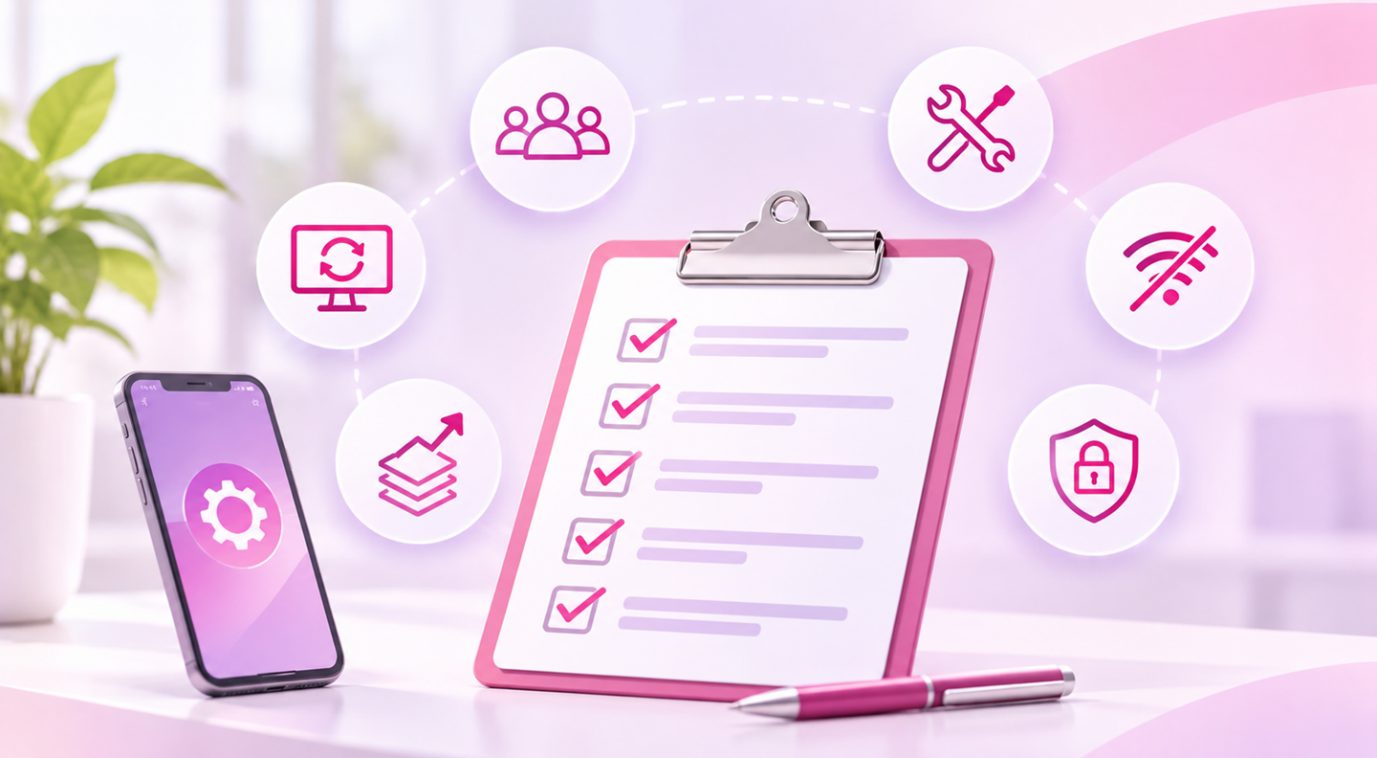
Before development begins, it is worth examining a few key questions:
- Who will use the app? Technicians, installers, salespeople, managers or several user groups.
- Which actions do the employees need to perform? Viewing tasks, reporting, taking photos, signing, updating data or receiving information.
- Which systems does the app need to connect to? A CRM, inventory, accounting or internal software.
- Is offline work required? And if so, which data needs to be available offline.
- How are permissions and data security managed? It is important to define who may view information, update it and perform actions.
- How will the app evolve in the future? Whether additional users, new processes or connections to further systems are expected.
A proper definition of the needs makes it possible to plan a system that fits current activity, while taking future expansion into account.
OLSI Systems, a Software House for Business App Development
When a business wants to connect its field employees to the systems at the office, the challenge is not just developing app screens. It requires understanding the work processes, identifying the information that moves between departments and planning a solution that integrates with the existing systems.
OLSI Systems, a software house for developing custom solutions, has been operating since 1995 and accompanies businesses and organisations in developing software systems tailored to their operational needs.
The work includes specification, development, integration with existing systems and support even after going live.
Whether it is an app for service workers, field managers, salespeople or operational teams, it is important that the solution is built around the way the organisation actually works.
Because when the work also happens outside the office, business information needs to be available and connected wherever it is needed.
Want a business app that connects your field employees to the systems back at the office? Now is the time to see how custom app development can unite every part of your organisation into one working system.